Pendants & chains
Use a front-facing head-and-upper-chest photograph. Show your collarbones and leave room below the neckline. Keep shoulders level and the camera close to chest/face height to reduce perspective distortion.
MODELING DESIGNS BY J · VISUAL FIELD GUIDE
A clear photograph makes placement easier. These are manual styling previews, not body measurements or a promise of exact fit.
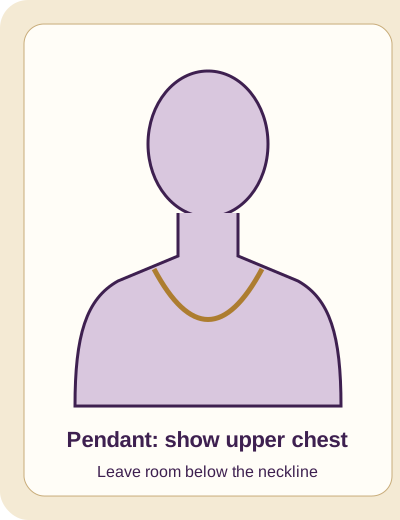
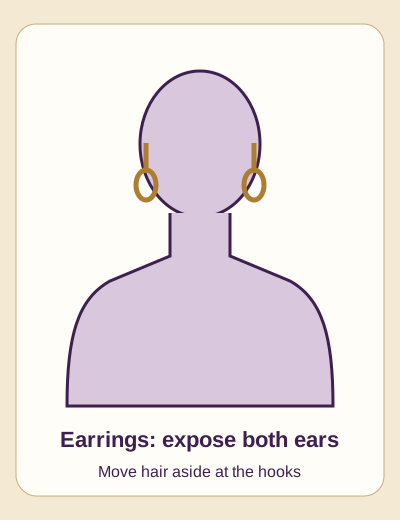
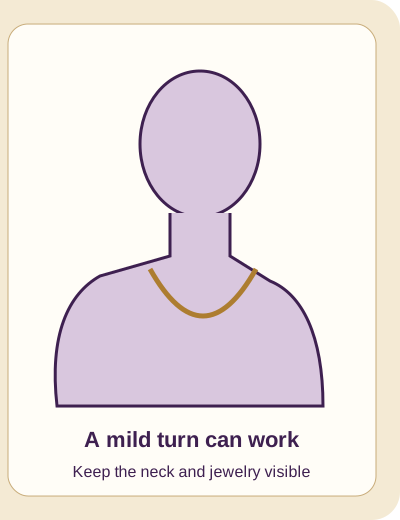
Use a front-facing head-and-upper-chest photograph. Show your collarbones and leave room below the neckline. Keep shoulders level and the camera close to chest/face height to reduce perspective distortion.
Keep both ears visible and move hair aside where the hooks will sit. Face forward for paired earrings; a mild turn can suit a single-side display, but manually position the visible piece.
Use soft even light and a calm background. Avoid harsh shadows, strong beauty filters, heavy blur and tiny screenshots. JPEG, PNG or WebP are the most dependable choices; export HEIC if your browser cannot decode it.
Start straight on. A small shoulder turn is fine when the neck and display area stay visible. Extreme side profiles, hands covering the chest and cropped necks make manual placement less convincing.
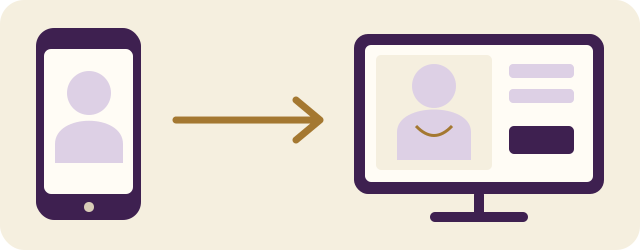
On the profile-photo screen, a received photo is prepared for the selected upload; choose Save privately separately. In the fitting room, it loads into the preview. Do not refresh after completion: the unsaved photograph lives only in that page.
Use the provided portfolio/item sharing tools. They always include your model referral code and omit private visitor-tracking tokens. Include a nearby disclosure such as “I may earn a commission on qualifying purchases through this link.” Social platforms may omit supplied text; check the published post and add the disclosure yourself if needed.
QR passouts lead to your co-branded page and carry the same referral code. Followers and clicks are not earnings. Qualifying settled sales, refunds, review holds and your agreed rate determine commission.
Read commission and privacy details →